

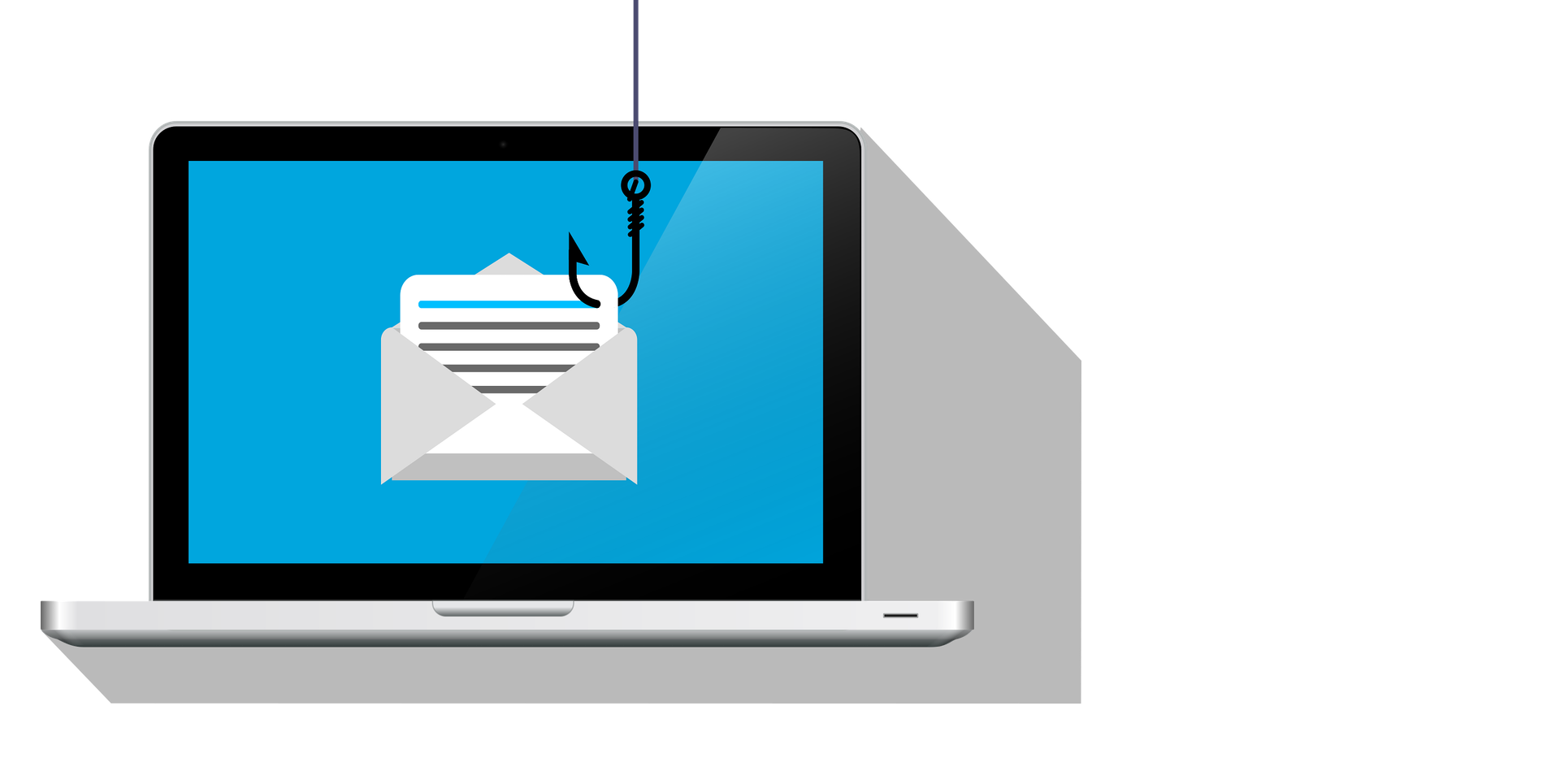
What is Phishing?
Phishing is everywhere. But it can be prevented.
What is Phishing and how to prevent them?
What is Phishing?
Phishing is a type of cyberattack in which cybercriminals impersonate a trusted individual, organization, or serviceto deceive users into revealing sensitive or confidential information, such as usernames, passwords, credit card numbers, banking details, or authentication codes.
Attackers carefully design phishing messages to look legitimate. They often copy branding, logos, email signatures, and writing styles from well-known companies (such as banks, cloud providers, shipping companies, or internal IT departments). The goal is to make the victim believe the communication is genuine and act without suspicion.
Phishing most commonly occurs through email, where users receive messages claiming there is a problem with their account, a missed delivery, an invoice, or a security alert. These emails usually contain a malicious link or attachmentthat leads to:
A fake website designed to steal login credentials
Malware that infects the device
A form that collects personal or financial information
However, phishing is not limited to email. It can also occur through:
Text messages (SMS phishing or “smishing”), where attackers send urgent messages asking users to click a link or reply with personal information.
Phone calls (voice phishing or “vishing”), where scammers pretend to be bank representatives, IT support, or government agencies to extract sensitive data verbally.
Fake or compromised websites, which closely resemble legitimate sites but are controlled by attackers and used to harvest credentials.
Phishing attacks often rely on psychological manipulation, such as:
Creating a sense of urgency or fear (“Your account will be locked”)
Offering something enticing (“You’ve won a prize”)
Pretending to be an authority figure or trusted contact
Because phishing targets human trust rather than technical vulnerabilities, it remains one of the most effective and widespread cyber threats. A single successful phishing attempt can lead to account compromise, data breaches, financial loss, malware infections, or unauthorized access to corporate systems.
How Phishing Works
Attackers typically:
Send a message that looks legitimate
Create urgency or fear (“Your account will be locked”)
Ask you to click a link, open an attachment, or enter credentials
Capture the information you submit or infect your device
Common Types of Phishing
Email Phishing – Fake emails posing as trusted companies
Spear Phishing – Targeted attacks aimed at a specific person or company
Whaling – Phishing aimed at executives or admins
Smishing – Phishing via SMS/text messages
Vishing – Phishing via phone calls
Clone Phishing – A real email is copied and resent with a malicious link
Warning Signs of Phishing 🚩
Generic greetings (“Dear User”)
Misspelled words or poor grammar
Unexpected attachments or links
Email address doesn’t match the sender’s name
Urgent or threatening language
Requests for passwords, MFA codes, or payment
Links that don’t match the real website when hovered over
How to Prevent Phishing
For Individuals
Don’t click links in unexpected emails or texts
Verify the sender by checking the email address carefully
Hover over links to see the real destination
Never share passwords or MFA codes
Use strong, unique passwords for each account
Enable Multi-Factor Authentication (MFA) everywhere
Keep devices updated (OS, browser, antivirus)
For Businesses
Security awareness training for employees
Email filtering & anti-phishing tools
DMARC, SPF, DKIM email protection
MFA enforced for email and admin accounts
Disable macros in Office attachments
Least-privilege access policies
Incident response plan for phishing attacks
What To Do If You Suspect Phishing
Do not click any links or download attachments
Report the email to IT or your email provider
Delete the message
If you already clicked:
Change your password immediately
Revoke active sessions
Contact IT/security
Scan your device for malware